![Rebrand Logo Mark No ISO.png]](https://knowledge.sitemarker.com/hs-fs/hubfs/Rebrand%20Logo%20Mark%20No%20ISO.png?height=40&name=Rebrand%20Logo%20Mark%20No%20ISO.png)
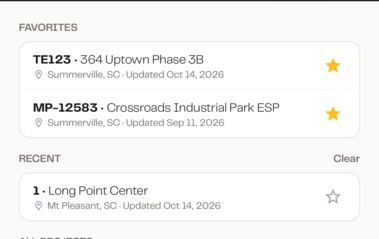
Favorite a project
- Open the Projects map on web.
- Click the star on any project card.
The project moves into Favorites at the top of the sidebar, and the count next to Favorites updates. It also stays in All Projects, where its star shows filled in.
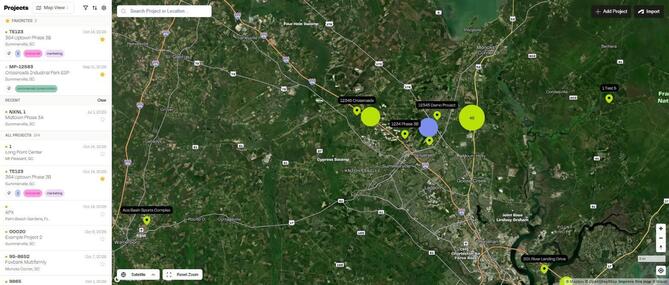
To remove a favorite, click the star again.
Recent projects
The last three projects you opened show under Recent, just below Favorites. Click Clear to empty the list.
Favorite projects on mobile
You can do the same thing from the SiteMarker mobile app.
- Open the app and go to Projects.
- Tap the star on any project.
The project moves into Favorites at the top of your list, with the projects you opened recently under Recent. Projects you starred on web are already there. Tap the star again to remove a favorite.